hitengautami007@gmail.com
All Lunami products

Lunami Furniture Visualizer

The store's real furniture, at its real size, in a photo of the shopper's own room

3D room visualizer / Magento 2 extension · LunamiLunami for Magento · By Lunami, founded by Hiten Gautami
Part of Lunami for Magento ↗
Lunami Furniture Visualizer screen
Magento 2 extensionCaptured from a local Magento 2.4.9 store
Platform
Magento 2.4.6 – 2.4.9
Role
Founder, architect & developer
Type
Magento 2 extension
Built
Nov 2026

01 / The idea

The store's real furniture, at its real size, in a photo of the shopper's own room

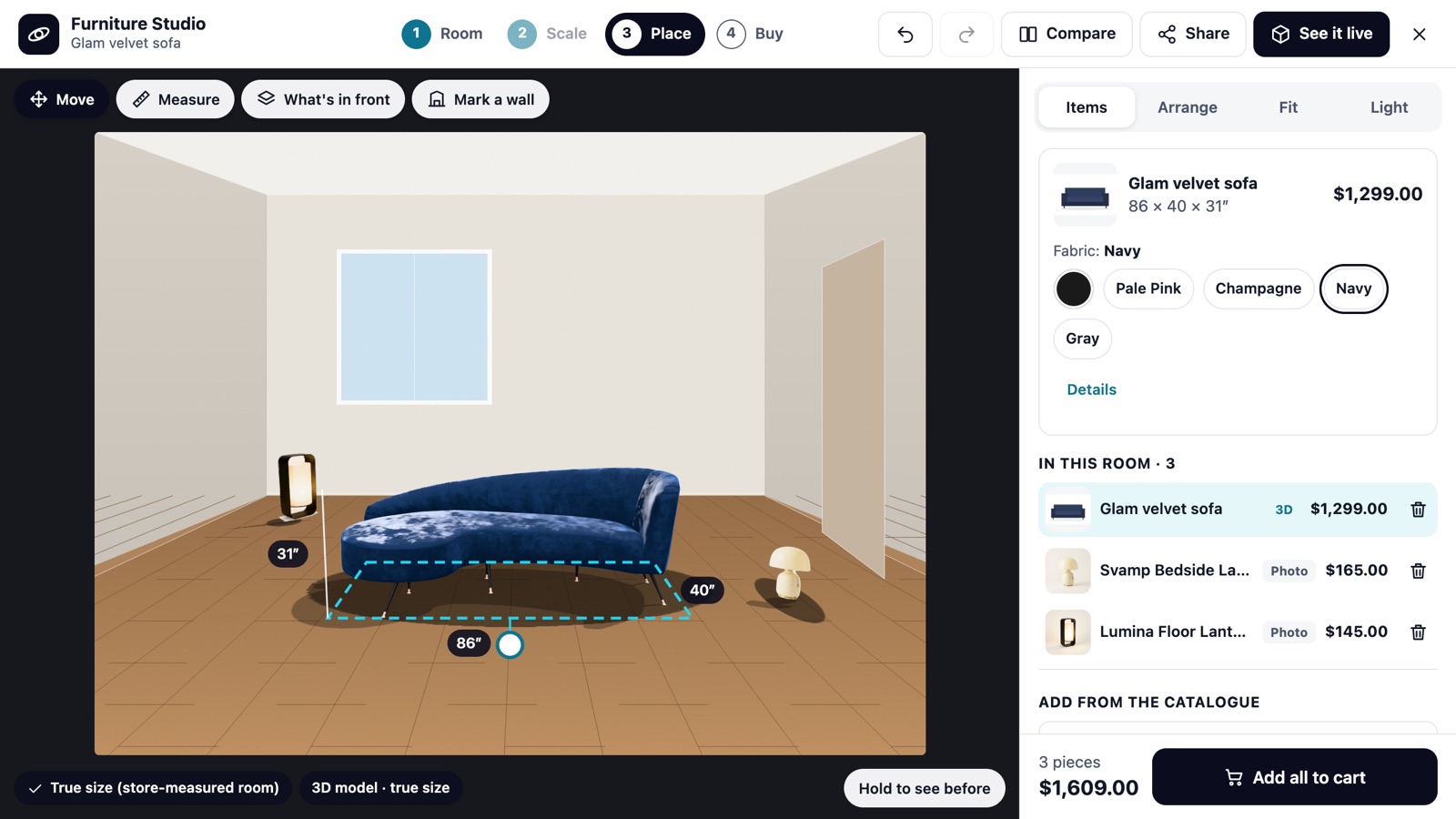
“See it in your room” for furniture shops. A shopper adds a photo of their room or picks one of the store's rooms, sets its scale once, and places the real products in it at their true size: 3D models where the store has them, the product photo cut out where it does not. They move and turn the pieces, change colours, check what fits and what goes through the door, see it live in AR, save and share the room, and buy everything in it.

Placing, moving and lighting happen in the shopper's browser, so every change is instant and free. AI is optional, off by default and capped by a monthly budget, and each cart line remembers the design it came from, so the store sees which rooms led to orders.
6Kinds of pieceFloor, rug, wall art, wall, tabletop, ceiling
iOS + AndroidLive AROne piece or the whole room
$0.002–0.01AI per room photoOptional, budget-capped
81SettingsFit, AR, AI, privacy
6.1KLines of JavaScriptThe studio runs in the browser

02 / In motion

The sofa, in your room

Recorded in the storefront: a sample room, a lantern placed, the fit and the light, then the room in AR.

Screen recording / Local Magento 2.4.9 store

03 / The experience

See it before it's delivered

Inside the experience01 — 05
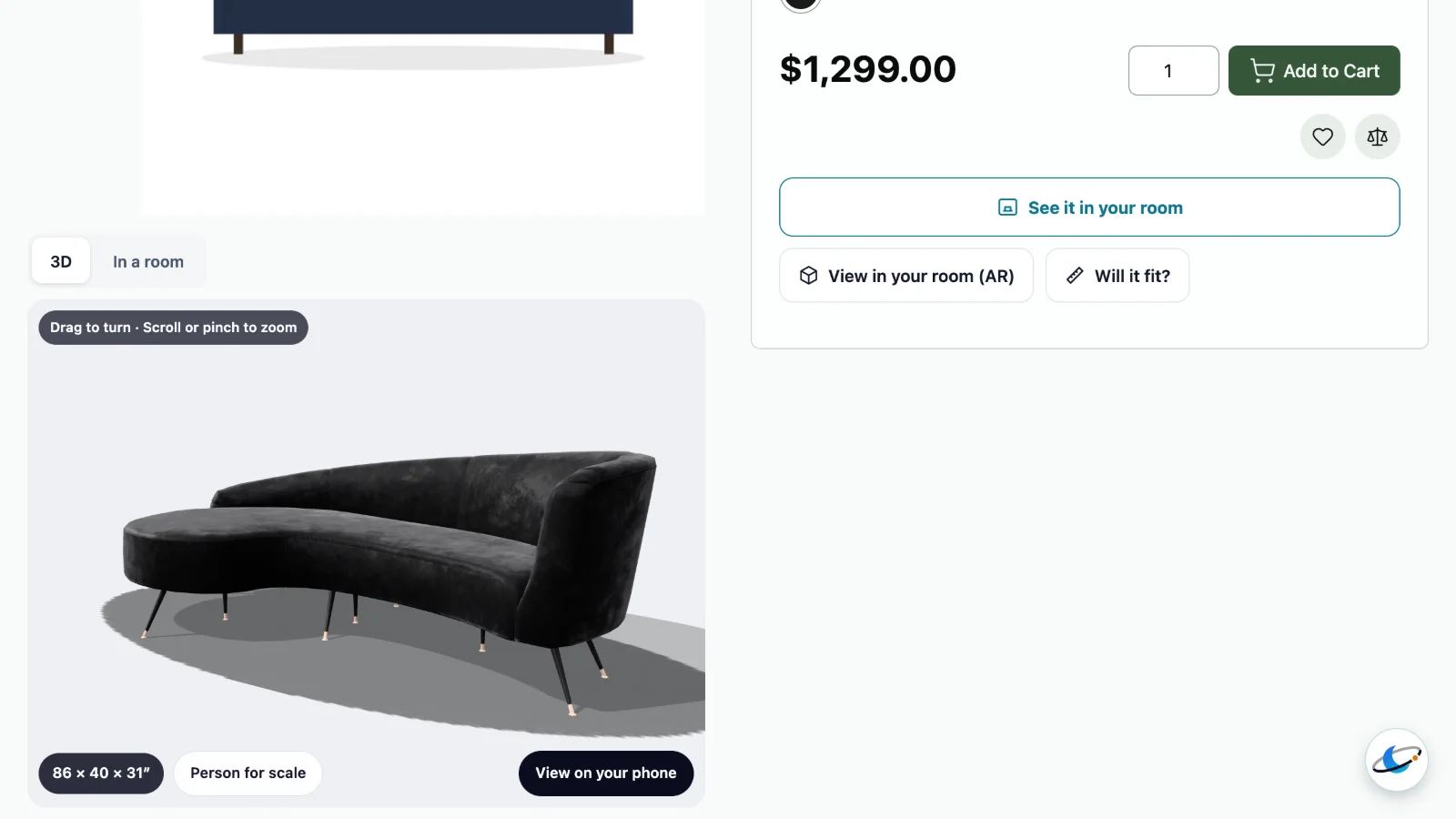
In 3D on the product page, one click from your room
01 / In 3D on the product page, one click from your roomCaptured from the website
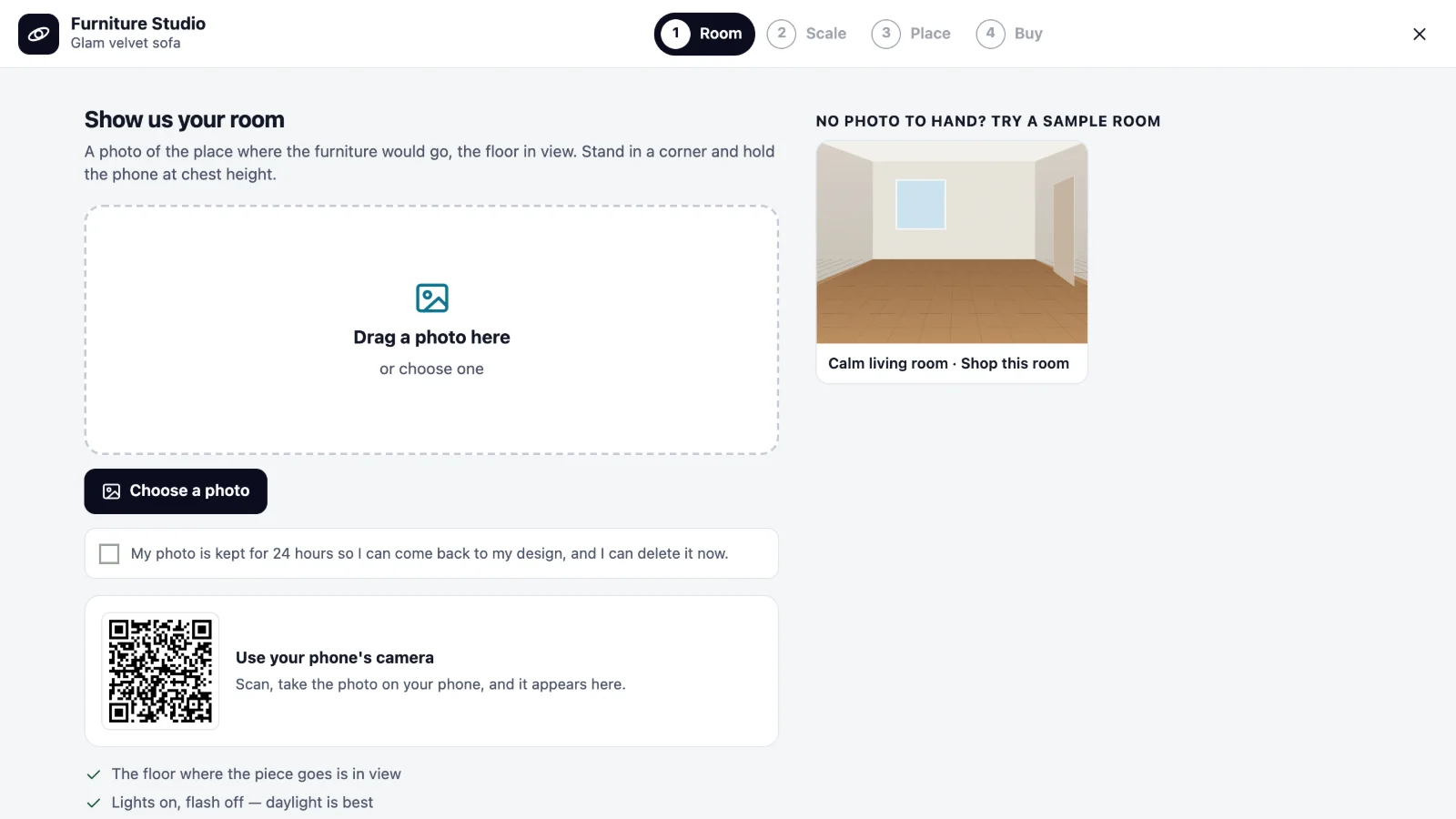
Your room — or one of the store's
02 / Your room — or one of the store'sCaptured from the website
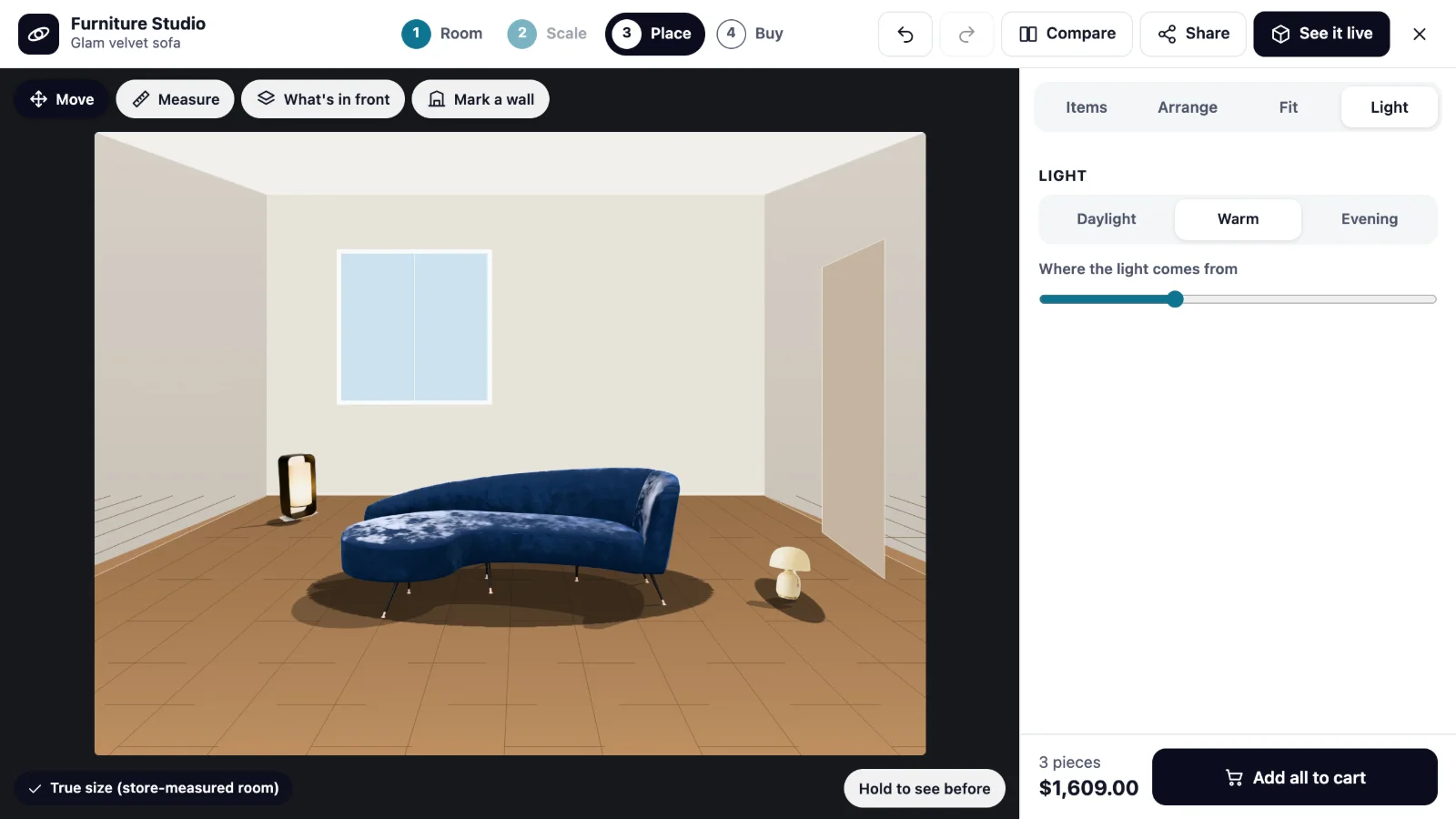
Placed at true size, in warm light
03 / Placed at true size, in warm lightCaptured from the website
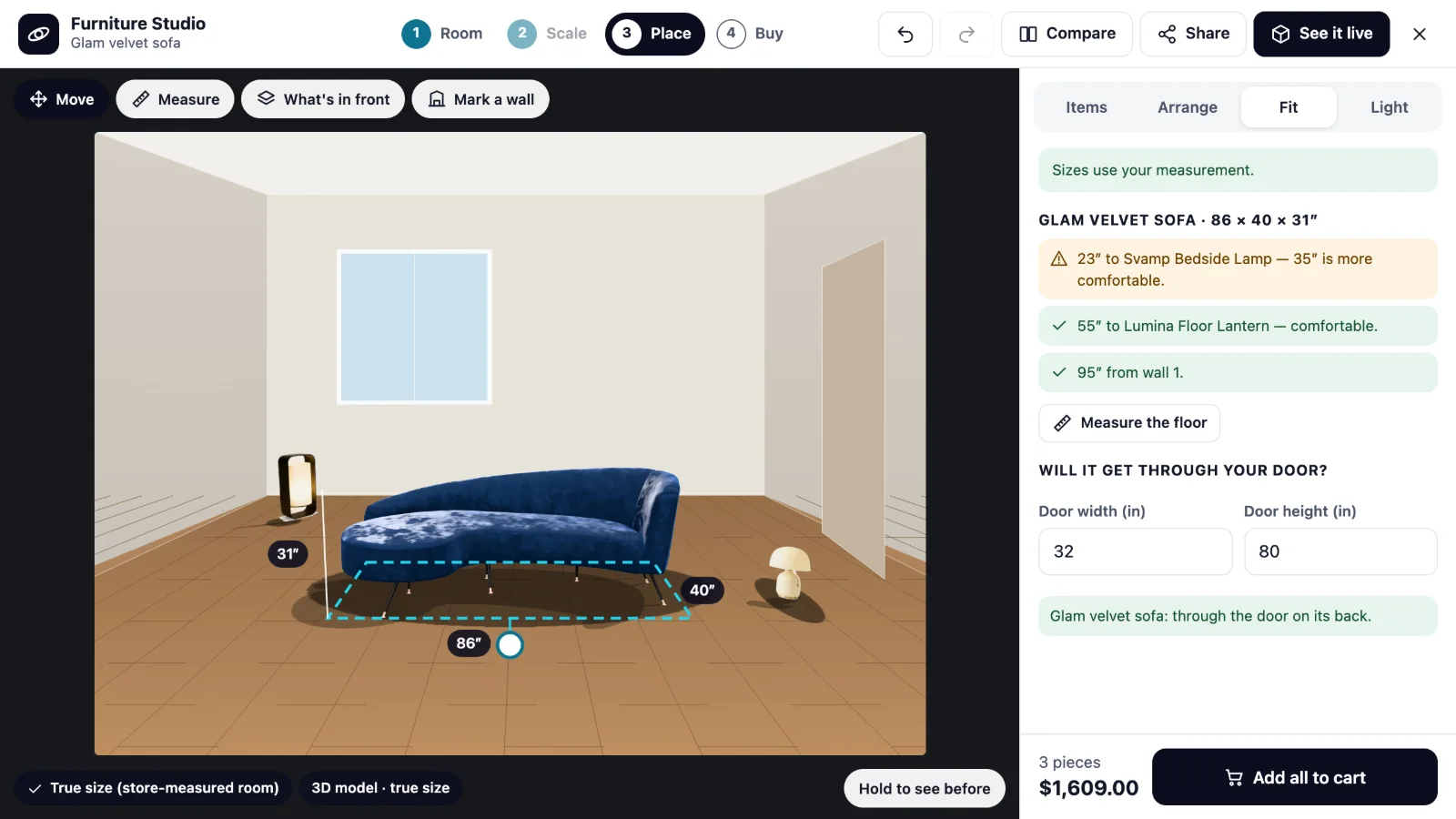
Will it fit — and through the door
04 / Will it fit — and through the doorCaptured from the website
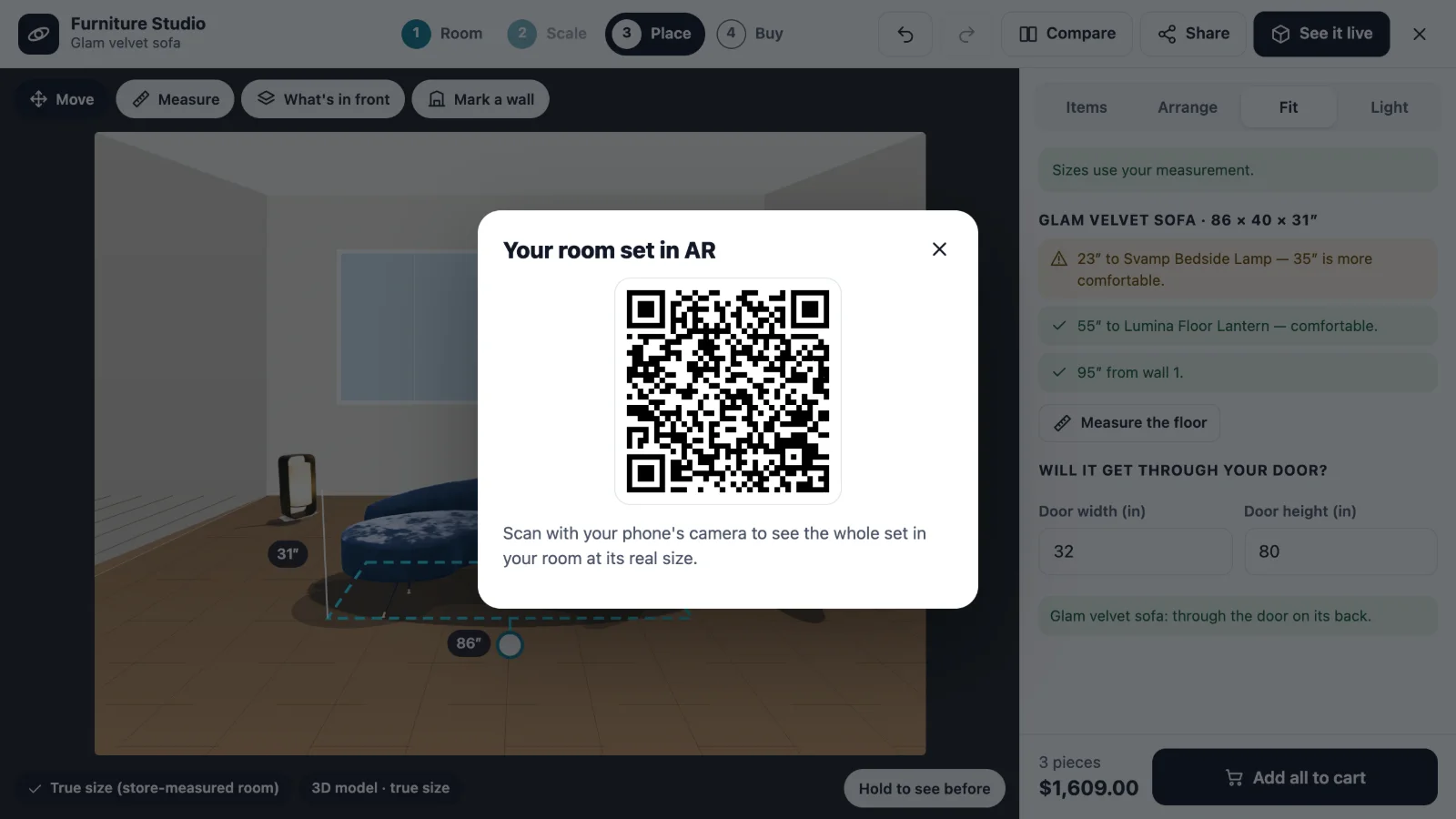
The whole room, live in AR
05 / The whole room, live in ARCaptured from the website

04 / Engineering decisions

How it is built

01

The room, to scale

A photo from the computer or, by QR code, from the phone — shrunk, stripped of its location data and kept only after consent — or one of the store's sample rooms. The photo's own lines give the perspective and its EXIF data the lens; a ruler on a door or a rug makes sizes exact, and until then they are labelled estimated.

02

A studio for the whole room

3D models, flat rugs and art, or photo cut-outs, with their colours swapped on the model itself. Drag to move, turn in 15° steps, snap to a wall, hang pendants from the ceiling; tap a plant or a chair in the photo and it stays in front of the furniture.

  • Swap for similar, compare up to four looks, undo and redo
  • Daylight, warm or evening light, and a before view
  • Share link, captioned picture, email and My room designs
  • Add the whole room to the cart
03

Will it fit?

Sizes on each piece, the gap to other pieces and walls against comfortable walkways, and whether it gets through the door — upright, on its back or tilted, and every delivery box. The same fit rules run in PHP for the chat and in JavaScript for the studio, against shared test cases.

04

See it live

One piece at its true size in AR Quick Look on iPhone and iPad or Scene Viewer on Android, the whole arrangement as one AR file, and pieces placed one by one with WebXR — the USDZ and GLB files made in the browser.

05

Ready from the catalogue

Each piece's kind and size is read from names, categories, a dimensions attribute and descriptions — “W 210 × D 95 × H 85 cm”, inches, diameters, delivery boxes — with where each fact came from. 3D models are checked against the catalogue size and rescaled in one click; cut-outs are made from studio shots, and the unsure ones wait for review.

06

Showrooms, insights and leads

A Shop this room widget with numbered hotspots on each piece, the funnel from opening the studio to orders, the pieces placed most without a 3D model — the ones to model first — and showroom visit requests. In the admin chat: “which furniture is not ready for the visualizer?”

05 / The stack

Built with

Magento 2PHP 8.1+three.jsWebGL2WebXRAR Quick LookScene ViewerUSDZ / glTFSlimSAMDepth Anything V2transformers.jsOpenAI VisionHyväLuma

06 / Bring it to your store

Want this in your store?

Tell me about your Magento store and what the AI should take off your hands.

Let’s talk ↗The whole suite ↗